We’ve written before about why attackers bother with small organizations: automated tools scan everything, and an office with no defenses looks easy. That guide covers the reasoning. This one is the companion you act on, a checklist you can print, work through, and actually finish.
Nothing here requires an enterprise budget. Most items are free and take minutes. A few take an afternoon. Together they close the doors that the large majority of real-world incidents walk through.
Go top to bottom and check only what is true today, not what you intend to fix soon. Whatever is left unchecked is your to-do list, already ranked roughly by payoff.
Accounts and passwords
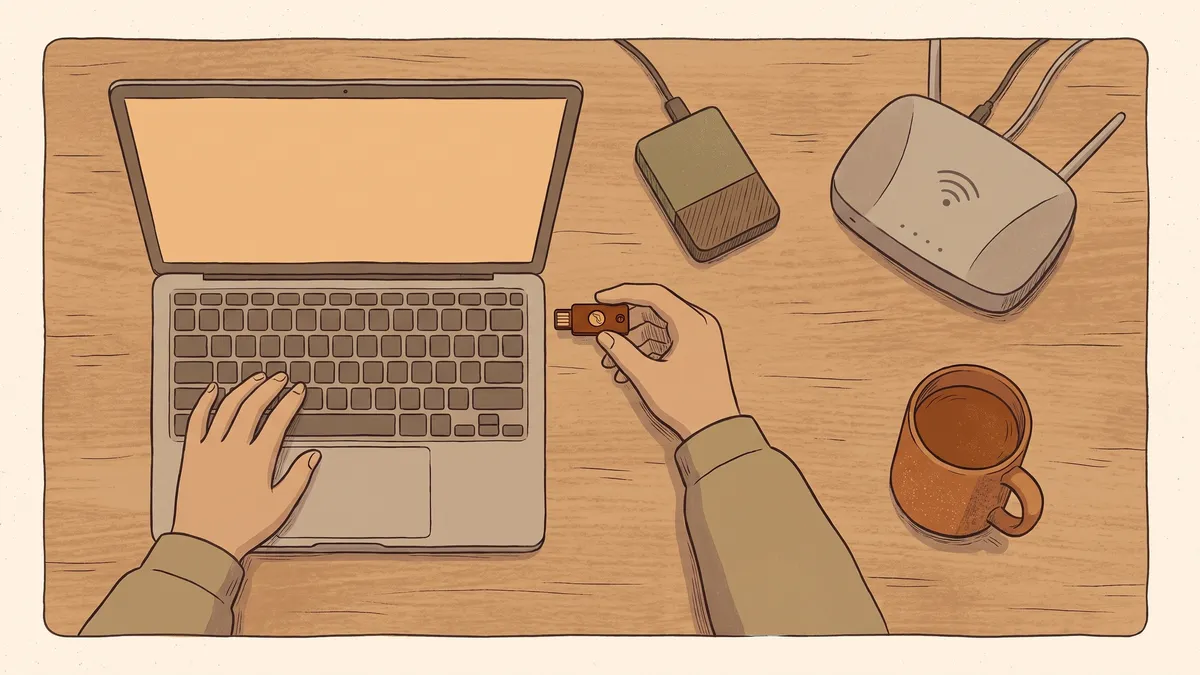
- Multi-factor logins are turned on for email, banking, and anything that holds money or customer records. If you do only one thing on this page, do this. A stolen password on its own should not be enough to get in.
- Every important account has its own password. One password reused everywhere means one leak opens everything. A password manager makes this painless and remembers them for you.
- You know who has administrator access, and it is only the people who need it.
- Former employees are locked out. The day someone leaves, their email, logins, and building codes stop working. Old accounts that nobody watches are a favorite way in.
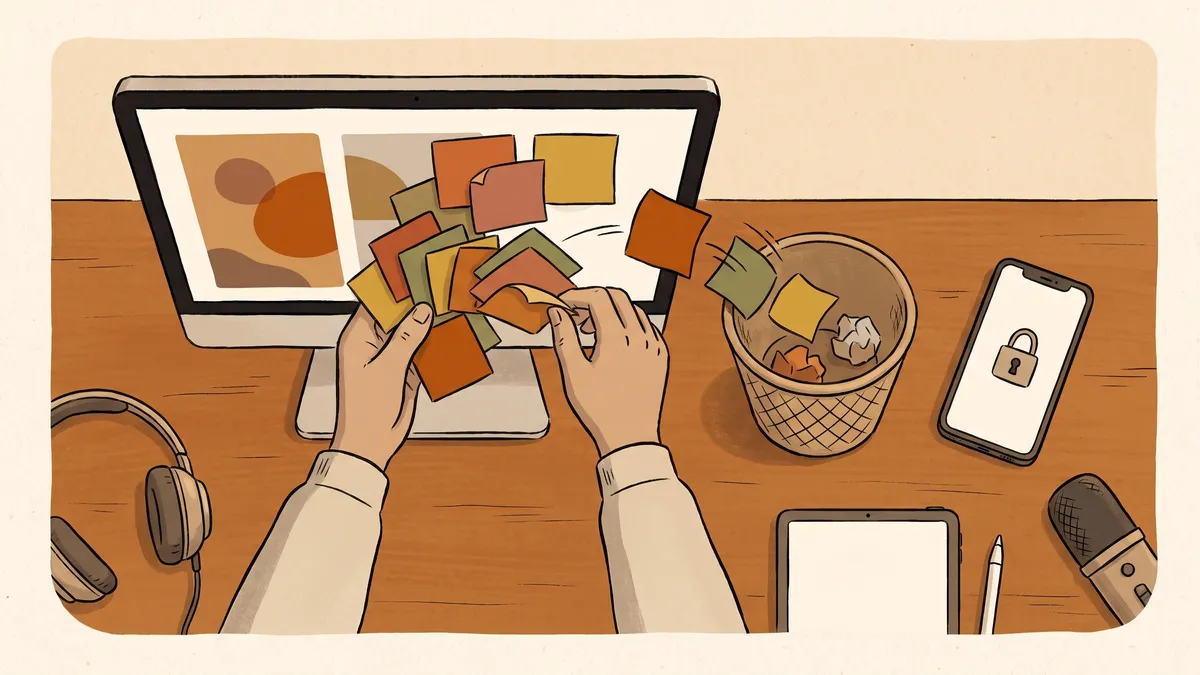
- Your staff know what a suspicious email looks like, and they know that hovering over a link shows where it really goes.
- Any request to change payment details gets verified by phone, on a number you already had, not one from the email. The fake invoice and the “our bank account changed” message are the most expensive scams a small organization faces.
- Urgency is treated as a warning sign. Real vendors and real banks do not need a wire transfer in the next twenty minutes.
- There is a shame-free way to report a click. The person who says “I think I clicked something bad” quickly is your best defense. The one who hides it for a week is how a small problem becomes a large one.
The costliest attack on small organizations is not ransomware. It is a plain email, sent from what looks like a known vendor or a boss, quietly asking to update banking details or pay an invoice. No software stops it reliably. The habit that stops it is a phone call to a number you already trusted before the email arrived.
Computers and updates
- Updates install automatically on every computer, and nothing in the office runs a system so old it no longer receives them. Most break-ins use holes that were fixed months earlier on machines that never got the fix.
- Every screen locks itself after a few minutes, and laptops that leave the building have their built-in encryption turned on, so a stolen machine is a hardware loss instead of a data loss.
- Someone actually looks after the machines. Antivirus that expired in 2023 is a sticker, not a protection.
Wifi and network
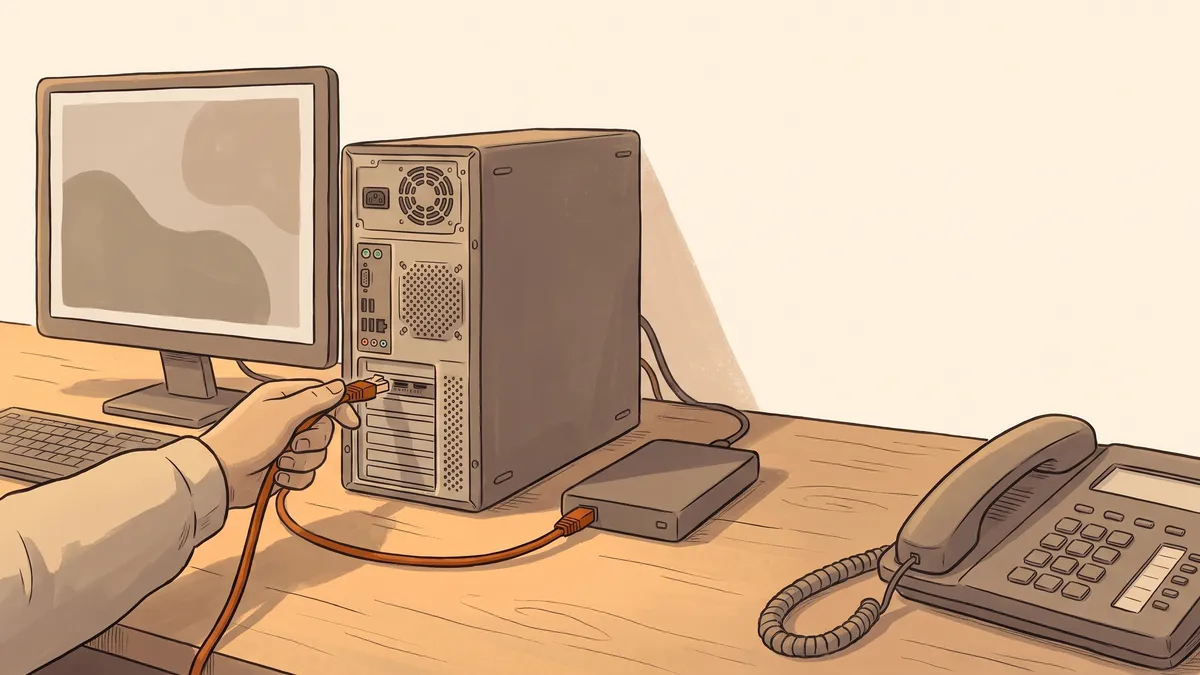
- Visitors get a guest network, and the equipment your business runs on lives on its own, separate one. We cover why one password should not open your whole business.
- The router’s factory password is long gone. The password printed on the sticker is in public databases; change it and the network’s name will stop advertising the model.
- You know what is connected. Cameras, card readers, printers, thermostats: if it is on your network, it counts, and forgotten devices are the ones that never get updated.
Backups
- More than one copy exists of anything you cannot afford to lose, on more than one kind of storage, with at least one copy off-site.
- A restore has actually been tested. A backup you have never restored is a hope, not a plan, and ransomware loses most of its leverage the moment you can roll back to yesterday.
People and paper
- The keys to everything are written down somewhere safe: which accounts exist, who holds them, and how to get back in. If all of it lives in one person’s head, you are one departure away from being stranded.
- There is more than one way back in to your own domain, website, and email, so no single lost phone or lapsed card takes them down.
- You know who you would call when something looks wrong, before the morning you need them.
- Multi-factor logins on email and money accounts stop the most common break-in cold.
- Verify payment changes by phone, every time, on a number you already had.
- Updates, screen locks, and a separate guest network close the everyday doors.
- A tested backup turns ransomware from a catastrophe into a roll-back.
- Write down who holds the keys, so no single person or password can strand you.
If the list is longer than you hoped
That is normal, and it is fixable. Work from the top: accounts first, email habits second, everything else as time allows. Each checked box is real risk gone, and none of it has to happen in one week.
For towns especially, most of this list is also what your insurer now expects to see, so working through it protects the coverage as well as the office. And if you would rather not carry the list yourself, this is exactly the quiet, scheduled work that managed IT exists to do: the updates, the backups, the watching, handled for you on a schedule instead of when someone remembers.
Want a second set of eyes on your checklist? Get in touch and we’ll go through it with you, tell you honestly where you stand, and put together a plan for whatever is left.