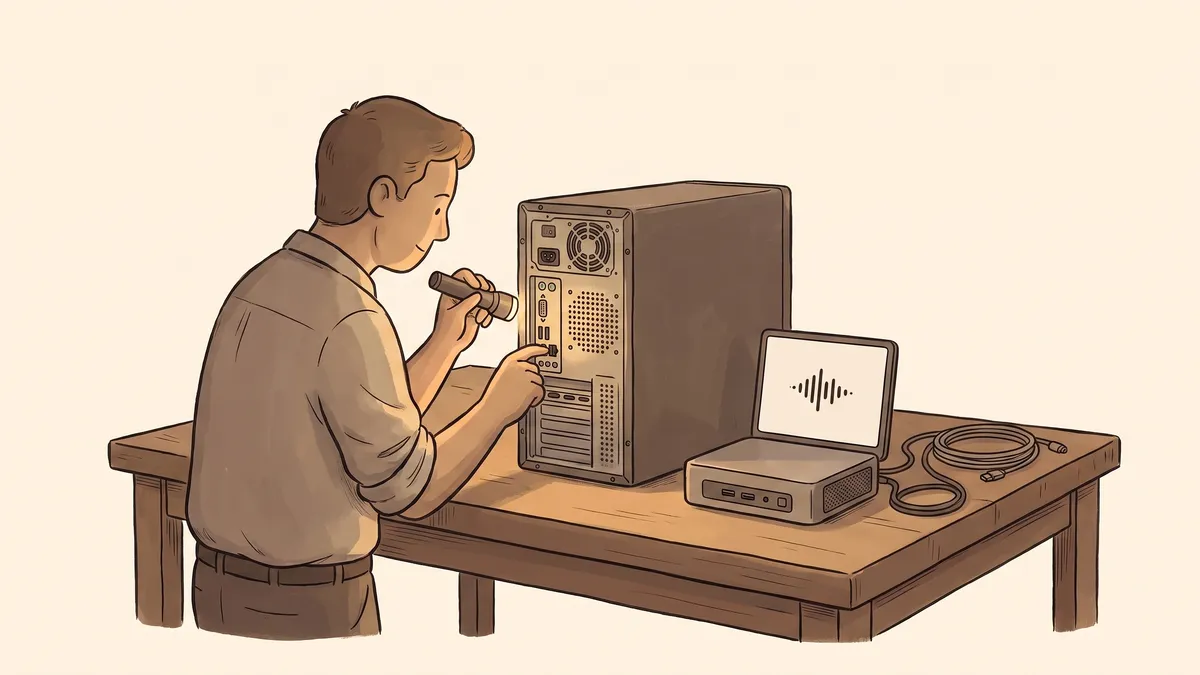
You press the power button, then go make coffee, because you both know how this goes. By the time you are back, it might be ready. Maybe. A program opens when it feels like it. The spinning wheel shows up a dozen times a day, and you have stopped really seeing it.
Most people make peace with a slow computer. It feels like a small tax, an annoyance rather than a real problem, and for a while that is true. But a computer that has gotten slow is usually telling you two different things at once, and only one of them is about speed.
The other thing it may be telling you is that it has quietly stopped being safe to use. That part does not announce itself with a spinning wheel, and it is the part worth paying attention to.
Slow is a cost you can measure
Start with the obvious one. Minutes disappear waiting for the machine to wake up, waiting for a file to save, waiting for a program that used to open right away. Do that twenty times a day, across everyone in the office, and it adds up to real time and real frustration.
Here is the honest part, though: slow does not always mean replace. Sometimes an inexpensive fix brings an aging machine most of the way back, whether that is adding more memory so it can hold more of what you are working on, or swapping its old drive for a faster kind. A tune-up like that can cost a small fraction of a new computer and buy you another couple of years. So before you replace a slow machine, it is worth having someone check whether it can be revived cheaply first. Often it can.
Speed alone, then, is a soft reason to replace a computer. There is a harder one.
The cost you cannot see
Every computer runs on an operating system, the base layer that everything else sits on. The company that makes it keeps fixing newly discovered security holes for a set number of years, and then, on a published date, stops. After that, the machine still turns on and still does its work. It just does not get those fixes anymore. New weaknesses keep being found, and on an unsupported computer, nobody closes them.
An unsupported computer sitting on your network is a door that no longer locks. It does not matter that it is “just the back-office machine” or “the one at the front desk nobody really uses.” It shares the same network as everything else, so a way into it is a way toward all of it. This is why age matters in a way that speed does not. A fast computer that no longer gets security updates is still a liability, and no amount of new memory changes that. Keeping the machines that hold your work supported and current is one of the plain cybersecurity basics that quietly prevents most trouble.
Worth keeping, or time to replace
Probably fine to keep (for now)
- It still gets security updates from the maker
- Its slowness is the kind a cheap upgrade can fix
- It does light work, nothing tied to money or records
- If it died today, you would lose an hour, not a day
Time to plan a replacement
- Its security support has ended, or ends soon
- It was already revived once and is crawling again
- It runs something that matters: sales, records, the shared machine everyone waits on
- If it died today, real work would stop until it was replaced
The questions that actually decide it
When someone asks whether a particular computer is too old, a handful of plain questions settle it faster than any spec sheet.
Is it still getting security updates? If the maker’s support has ended, that alone decides it, no matter how the machine feels to use. This is the one question that can override all the others.
What is it responsible for? A computer that touches payments, customer information, or town records earns a shorter leash than one that only prints the occasional label. The more important the job, the less worn-out the machine doing it should be.
What would a failure cost? Older hardware fails more often, and it fails without warning. If it stops one busy morning, do you lose an hour or a whole day? That is also why the backup on an aging machine matters as much as the machine itself; when the hardware finally goes, a tested backup is the difference between an errand and a disaster. It is worth confirming that yours would actually restore.
Can it be fixed for a little, or replaced for a lot? If a cheap upgrade buys two good years and the machine is still supported, that is often the right call. If it is out of support, or the fix costs nearly as much as replacing it, stop spending on it.
That is the honest catch. An out-of-support computer usually works fine right up until the day it does not, and the risk it carries in the meantime is invisible. “It still works” answers the speed question, not the safety one. Those are two different questions, and only one of them shows up while you are using it.
Planned beats panicked
The worst time to buy a computer is the morning the old one will not turn on. That is when people overpay for whatever is in stock, scramble to move files that may or may not have been backed up, and lose most of a day to it.
Replacing on your own schedule is a calmer thing entirely. You choose the machine, move everything across without a clock running, and retire the old one properly, which means wiping it clean before it leaves the building, because it held your information. Someone keeping a simple list of which computers you have and how old each one is turns all of this from a string of surprises into a line in next year’s budget. That kind of quiet tracking, knowing what you run and when each piece is due, is a core part of managed IT, and it is what keeps an aging computer from getting to pick the day it retires.
- A slow computer is worth checking before replacing; a cheap upgrade often buys a couple more good years.
- The real deadline is security support, not speed: once updates stop, the machine is a risk no matter how well it runs.
- Weigh what the computer is responsible for, and what its failure would actually cost you.
- Older hardware fails without warning, so a tested backup on it matters as much as the machine.
- Replace on your own schedule, not the morning it dies, and wipe the old one before it goes.
Not sure which of your computers are past their safe age? Get in touch and we’ll take stock of what you’re running, tell you honestly which machines have life left and which have quietly become a risk, and help you plan the replacements before one of them picks the day for you.