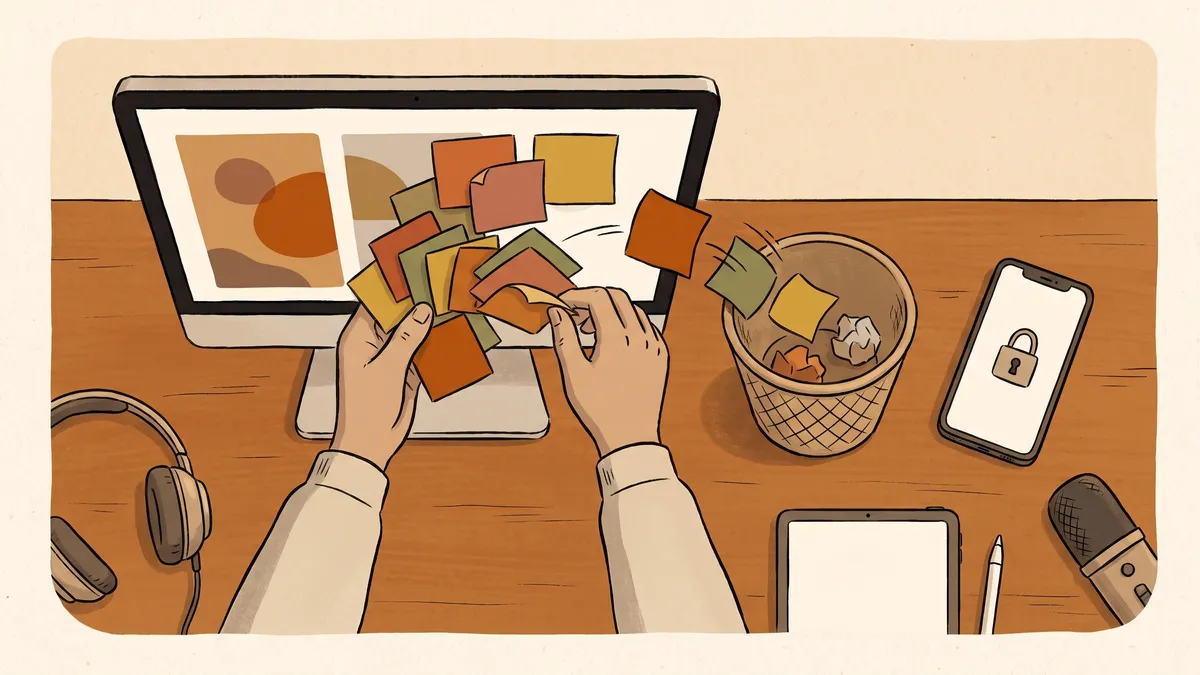
Somewhere in your office there is a password everyone knows. It is taped to a monitor, tucked in a desk drawer, saved in a shared spreadsheet, or just carried around in a few people’s heads. It has not changed in years, because changing it would mean telling everyone the new one, and that is a hassle nobody wants to start.
It works, right up until it does not. Someone leaves on bad terms and still knows how to get in. A laptop walks off with the spreadsheet on it. One account gets guessed, and because the same password opens five other things, one small problem quietly becomes five.
None of this means your people are careless. It means they were handed an impossible job: remember dozens of long, different passwords for dozens of accounts, and never write any of them down. Nobody can do that, so everybody cheats a little. The fix is not to nag harder. It is to stop asking people to do the impossible in the first place.
Why the sticky note is a bigger risk than it looks
Most break-ins do not start with a clever attacker. They start with a password that was weak, reused, or shared. That is the plain, unglamorous truth behind a lot of the trouble we get called about, and it is why the cybersecurity basics come back to passwords again and again.
Two habits do most of the damage. The first is reuse: the same password on your email, your bank, and the shop’s supply account, so a leak anywhere is a leak everywhere. The second is sharing: one login the whole team uses, which means no one can tell who did what, and no one can lock out a single person without locking out everybody. When the one person who set it all up leaves, those shared logins are exactly what nobody can safely change.
The workarounds people reach for, a spreadsheet of passwords or a notebook by the register, feel organized. They are really just a single list of every key you own, sitting somewhere anyone can copy.
What a password manager actually does
A password manager is one secure, locked place that holds all of your logins for you. Your team unlocks it with a single strong password of their own (plus a second check on their phone), and from there it fills in the right login on the right site automatically. No one has to remember the rest, so the rest can finally be long, random, and different for every account.
That last part is the quiet magic. Because nobody has to type or recall these passwords, they can be the strong kind that are genuinely hard to guess, without slowing anyone down. The tool creates them, stores them, and enters them. Your people go faster, not slower.
For a business or a town, the shared side matters just as much. Instead of one login the whole office knows, the manager lets you share specific accounts with specific people, and take that access back the moment someone changes roles or moves on. You stop passing keys around and start handing them out on purpose.
- Reused and shared passwords are behind a large share of break-ins. They are the risk, not your people.
- A password manager remembers every login so no one has to, which means each one can finally be strong and different.
- Access becomes deliberate: share an account with the people who need it, and pull it back the day they leave.
- It is faster, not slower. Logins fill themselves in, so good security stops being a daily chore.
- Start with the accounts that matter most, turn on a second login check, and grow from there.
It is less work, not more
The usual worry is that this adds one more thing to learn. In practice it removes several. No more resetting a forgotten password every week. No more hunting through a spreadsheet. No more typing a long code by hand off a sticky note. The tool does the remembering and the typing, and people notice the difference within a day or two.
Passwords in your head and on paper
- The same few passwords reused across many accounts
- One shared login the whole office knows
- A spreadsheet or notebook anyone could copy
- No way to see who used an account, or to remove one person
- Weekly resets for whatever got forgotten
A password manager
- A long, different password for every account, remembered for you
- Accounts shared with named people, not the whole room
- Access you can grant and revoke the same day
- One strong password to get in, backed by a second check
- Logins that fill themselves in, so people move faster
Getting started without a big project
You do not have to move every login at once, and you should not try. The way that sticks is to start where the damage would be worst and work outward.
Begin with email, since email is the master key that can reset almost everything else. Then your banking and payment accounts, then the handful of tools your business or town truly runs on. Put those into the manager, give each a fresh strong password, and turn on a second login check while you are there. The long tail of smaller accounts can trickle in over the following weeks as people sign into them.
Two habits make it hold. Retire the shared logins as you go, replacing each with access granted to the specific people who need it. And when someone leaves or changes jobs, removing their access becomes a single, tidy step instead of a frantic afternoon of changing passwords and hoping you caught them all. That same tidiness is what keeps a stolen password from turning into a bad week, the way a convincing scam email so often tries to.
What it looks like when it is working
When a password manager is doing its job, you mostly forget it is there. New staff get exactly the access they need on day one and nothing they do not. People stop calling because they are locked out. The passwords behind your accounts are strong and all different, even though no human is carrying them around. And on the day someone moves on, closing the door behind them takes a minute, not a scramble.
That is the whole point: security that runs quietly in the background instead of leaning on everyone’s memory. It is one of the first things we set up for the businesses and towns we look after, because it is cheap, it is fast, and it removes a whole category of problems before they ever start.
Tired of a password taped to the monitor? Get in touch and we’ll help you get every login into one secure place, retire the shared ones, and make strong passwords the easy option for your whole team.