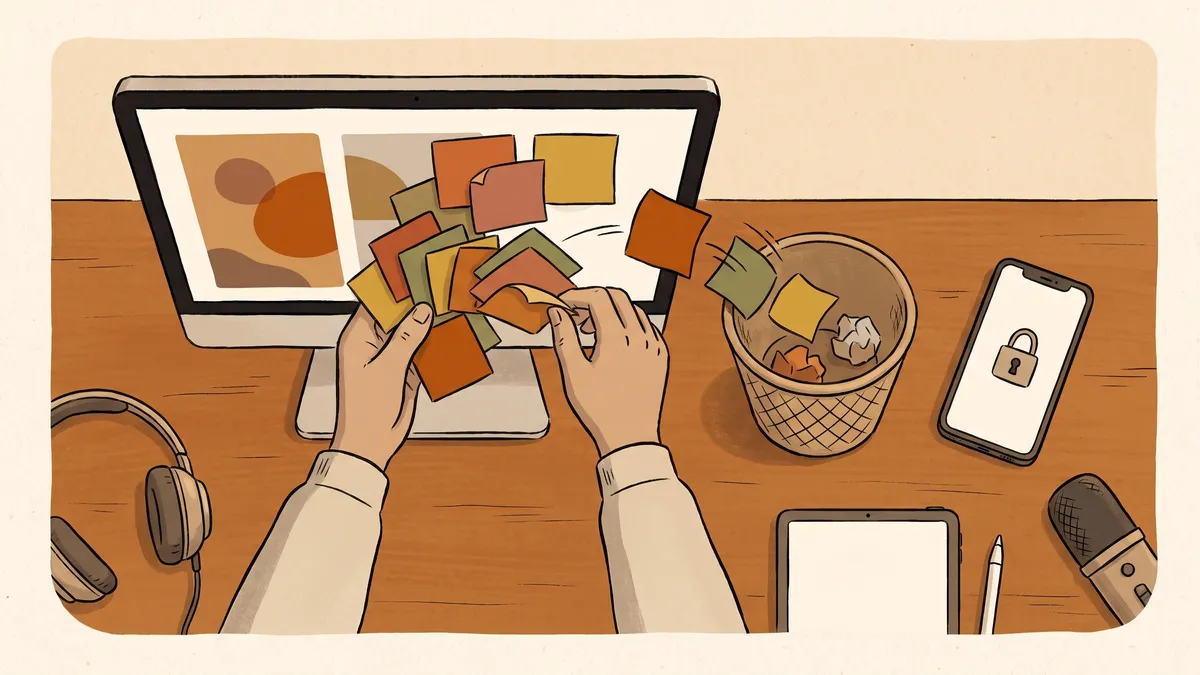
You come in, turn on the computer, and something is wrong. The files you need are still there by name, but none of them will open. In their place is a message: your data has been locked, and you have a few days to pay if you want it back.
This is ransomware, and it is the attack small businesses and small towns dread most, because it does not just steal something quietly in the background. It stops the work. The invoices, the customer records, the utility billing, the years of files you assumed would always be there: all of it sitting behind a lock you did not put on.
The picture in most people’s heads is a shadowy expert breaking through a wall of defenses. The reality is duller and more useful to know. Almost every one of these starts with something small and ordinary, and the businesses that come through it are the ones that got a few plain things right beforehand.
What ransomware actually does
Strip away the drama and ransomware is a program that does one thing: it scrambles your files so they cannot be read without a key, then the people who sent it offer to sell you that key. Everything else, the countdown clock, the threats, the demand for hard-to-trace payment, is there to rush you into paying before you have thought it through.
Two things make it worse than it first looks. It rarely stays on one computer; it spreads across the network to shared drives and other machines, so one infected laptop can reach the files everyone uses. And attackers have learned to hit the backups too, or copy your files off first and threaten to publish them, so that simply refusing to pay is not always the clean escape it should be. Knowing that changes what protection has to look like.
How it gets in
The entrances are almost always the everyday ones, not some exotic flaw.
- A click. Someone opens an attachment or link in an email that looked real. This is the most common way in, and it is exactly the kind of message our guide on how to tell if an email is a scam is meant to catch.
- A weak or reused password on an account that can be reached from the internet, guessed or bought and used to walk straight in.
- An old system that never got its security fixes, leaving a known hole open long after a repair was available.
None of these require anyone to be careless or foolish. They require only that the ordinary doors were left a little open, which is the normal state of things until someone makes closing them their job.
The first hour, and what not to do
If it happens, the early moves matter more than anything you do later.
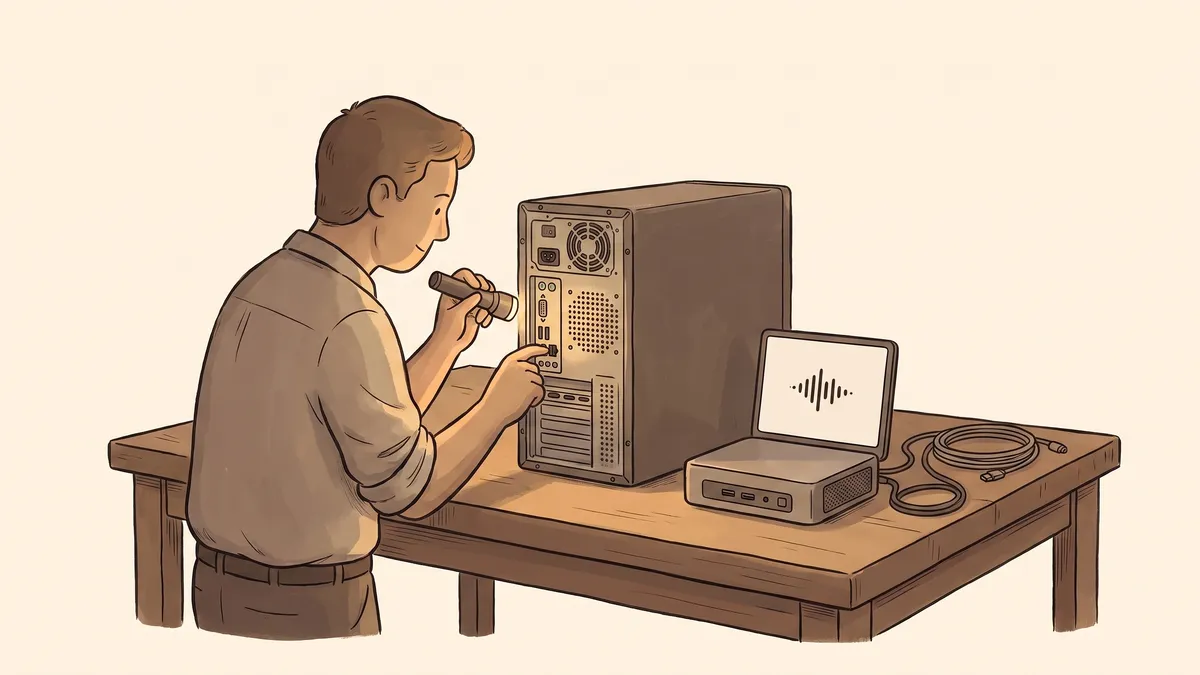
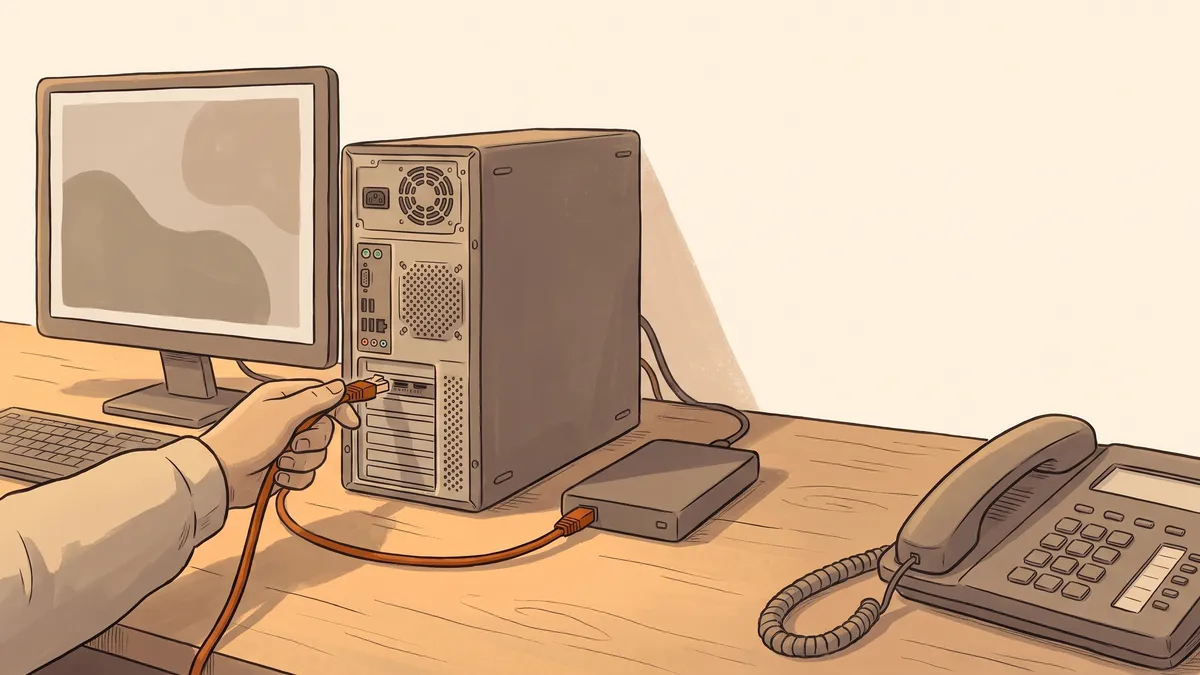
The first instinct for many people is to try to clean it up quietly, or to start deleting things, or to pay fast and hope it goes away. Slow down. The single most useful action is to disconnect the affected machine from the network and the internet, by unplugging the network cable or turning off the wireless, so it cannot reach anything else. Then leave it on rather than wiping it, because it holds information that helps figure out what happened.
What makes it worse
- Paying immediately, before anyone understands the scope
- Leaving infected machines connected while you decide
- Wiping or "fixing" the computer before it can be examined
- Keeping it quiet out of embarrassment
- Assuming the one backup you have is fine and untouched
What steadies it
- Disconnecting affected machines from the network right away
- Getting knowledgeable help involved early
- Checking whether a clean, separate backup exists
- Contacting your insurer if you carry cyber coverage
- Reporting it, so you are not facing it alone
Then bring in someone who knows how to handle it, tell your insurance provider if you carry cyber coverage, and report it to the authorities. This is not a moment to protect anyone’s pride. The costliest version of this attack is not the one that got in; it is the one that spread for another day because nobody wanted to raise a hand.
Should you just pay?
It is the obvious question, and the honest answer is that paying is a bad bet, not a solution. There is no guarantee the key works, or works fully. Paying marks you as a business that pays, which invites the next attempt. And in some cases sending the money is its own legal problem, depending on who is on the other end. Law enforcement generally advises against it for these reasons.
The reason to understand all of this before anything happens is simple: the only real way out of the trap is to not need the key at all. And that comes down to preparation.
What actually keeps it from ruining your week
Here is the part worth sitting with. The businesses and towns that shrug off a ransomware attack are almost never the ones with the cleverest defenses. They are the ones who can say, calmly, “we will restore from yesterday and move on.”
- A real backup, kept separate, and actually tested. This is the whole game. If a clean copy of your files lives somewhere the attack cannot reach, and you have proven you can bring it back, the demand loses its power. We wrote about why so many backups quietly fail in a backup you have never restored is a hope, not a plan.
- Stronger sign-ins. A second step to log in, beyond the password, means a stolen password alone is not enough to open the door.
- Fewer ways in. Keeping systems current so their known holes are closed, and not exposing more to the internet than has to be.
- People who can spot the bait, since the click is still the most common start.
Notice that none of this is exotic, and most of it is the same quiet groundwork that protects you from everything else. It is the ordinary security basics, done and kept up, that turn this attack from a catastrophe into an inconvenience.
- Ransomware locks your files and sells you the key. The clock and the threats exist to rush you.
- It gets in through ordinary doors: a click, a weak password, an unpatched system.
- In the first hour, disconnect the machine, get help, and speak up. Do not pay in a panic or wipe the evidence.
- Paying is a bad bet: no guarantee, a target on your back, and sometimes a legal problem.
- A separate, tested backup is what actually saves you. With it, recovery is a roll-back, not a ransom.
For a small town, there is one more reason this is worth handling before it happens. The same protections that make ransomware survivable are increasingly the ones your insurer expects to see anyway, as we covered in cyber insurance for small towns. The work you do to sleep at night doubles as the work that keeps your coverage.
Not sure whether you could recover from this tomorrow? Get in touch and we’ll take an honest look at your backups, your sign-ins, and the doors most likely to be left open, so a locked screen would be a bad morning and not the end of the world.