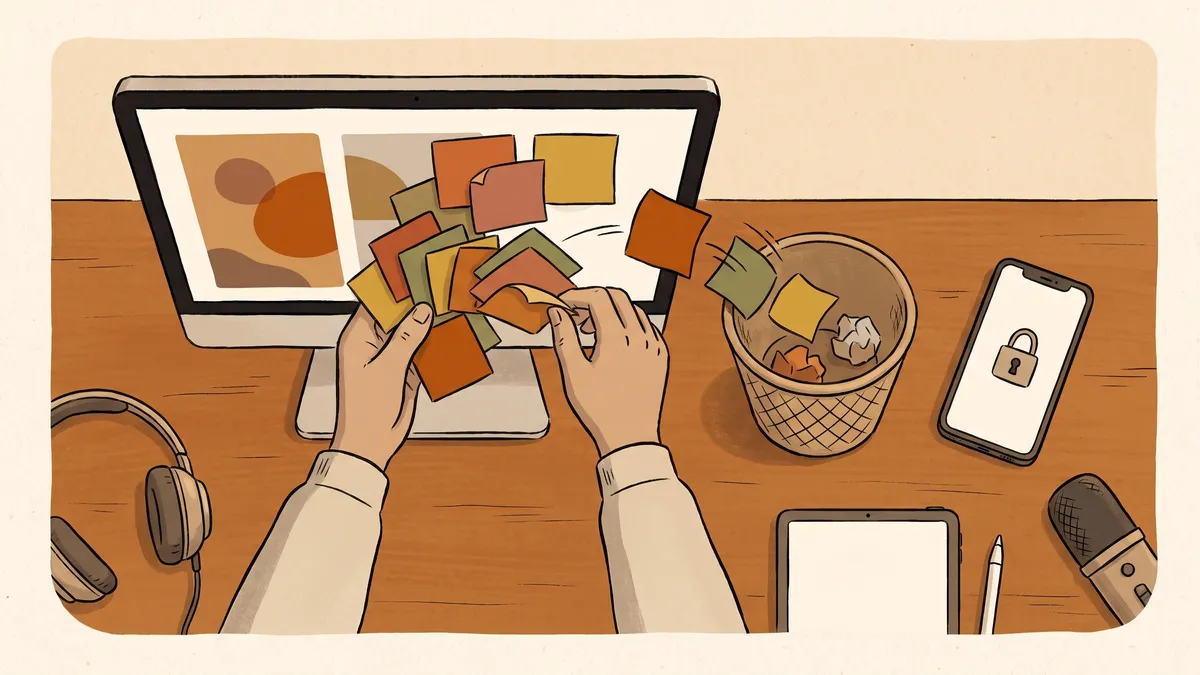
Someone asks for the current price list, and three people send back three different versions. One has last month’s numbers. One has a typo nobody caught. One is right, but no one can say for certain which one that is.
This is how a lot of small businesses and small towns keep their files: a copy on this laptop, a copy in that email thread, a folder on the desktop of whoever happens to handle it. It works, in the way that a lot of things work, right up until it doesn’t. Someone edits the wrong version. A quote goes out with old figures. The person who has the real copy is out sick, and the file is on a computer nobody else can reach.
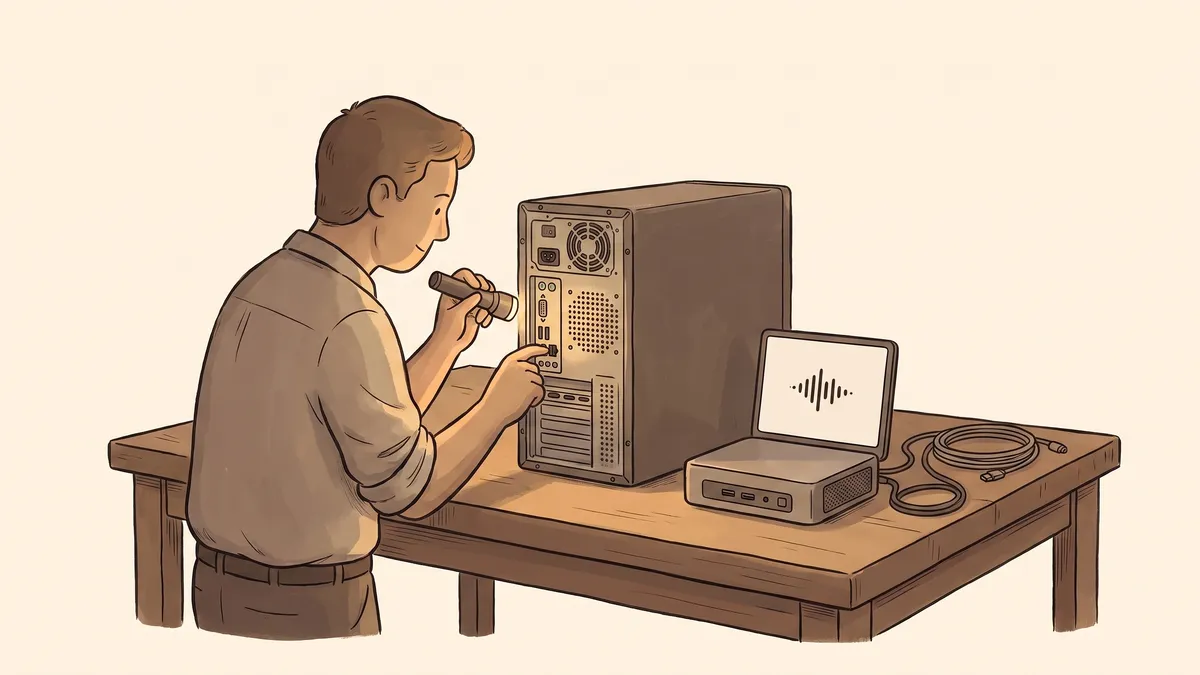
There is a quieter risk underneath the daily friction. If the one machine that holds the only copy of something important stops turning on tomorrow, that file is gone. Not misplaced. Gone.
The problem isn’t the file. It’s where it lives.
When a document lives on a single computer, that computer becomes a small point of failure for your whole operation. Every copy that leaves it, by email, on a flash drive, in a chat, is a fork in the road, and the moment there are two copies there is no longer a single true version of anything.
You feel it as small daily annoyances: hunting for the latest draft, redoing work someone already did, catching an error only after it went out. Underneath those annoyances is the real exposure. The files a business or a town runs on, contracts, invoices, resident records, the spreadsheet everything depends on, are sitting in a place that no one is looking after and no one can get to but one person.
The fix is not a better filing habit. It is moving the files to a place built to hold them.
What one shared home actually buys you
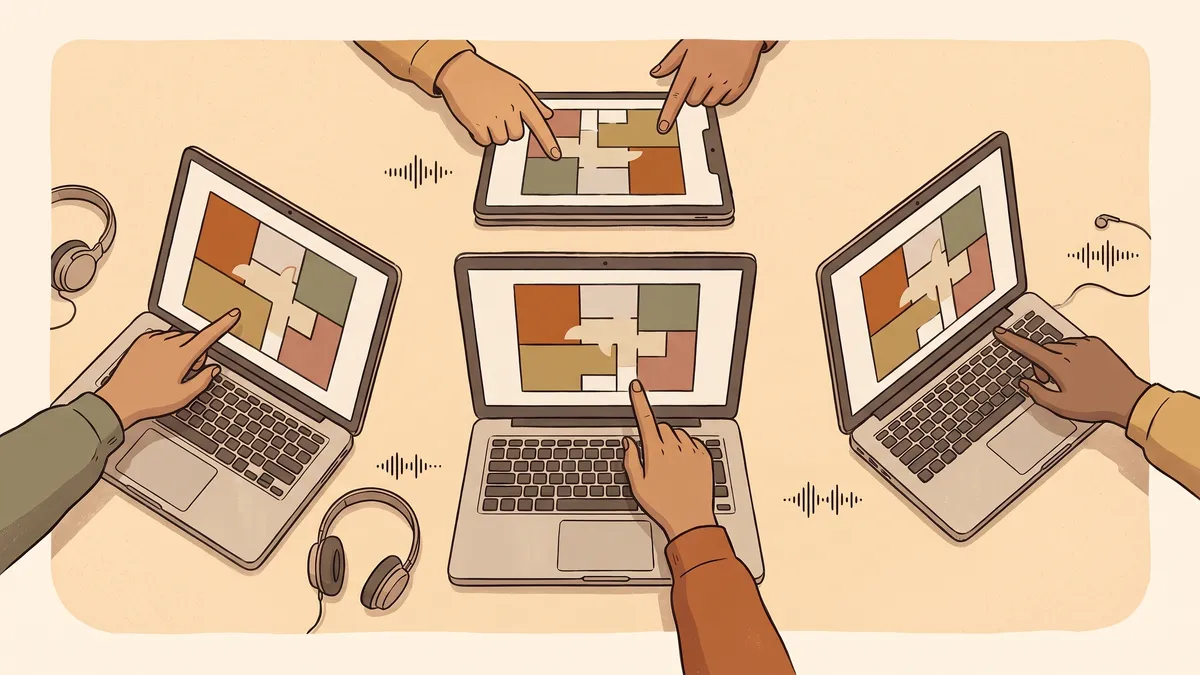
The idea is simple: your files live in one shared place that everyone who should reach them can, from any of their devices, with the newest version always the one they see. Change it on the front desk computer and it is already changed on the laptop at home. There is no emailing versions around, because there are no versions to email. There is one.
That one change quietly solves a stack of problems at once:
- There is always a single current copy, so “which one is right” stops being a question.
- The files are not trapped on any one machine, so a dead laptop is an inconvenience, not a disaster.
- The right people can reach what they need from wherever they are, without carrying it around on a drive.
- You decide who can open which folders, so payroll and personnel files aren’t sitting where everyone can browse them.
None of that is exciting. It is just the difference between files you happen to have and files you can actually count on. That quiet reliability is the whole point of managed IT: the machinery underneath your work staying handled so you don’t have to think about it.
The old way, and the better way
Files on whoever’s computer
- The only real copy lives on one machine
- Versions get emailed around until nobody knows which is current
- If that computer dies, the file dies with it
- Anyone with the login can open everything, including what they shouldn’t
Files in one shared home
- One current copy everyone works from
- Reachable from any device, updated everywhere at once
- Backed up automatically, so a dead machine loses nothing
- Access set per folder, so people see only what they should
One shared place still needs a real backup
It is worth being clear on one thing, because it trips people up. Putting your files in one shared place is not the same as backing them up. A shared home keeps everyone working from the same current copy, which is exactly what you want day to day. But if someone deletes the wrong folder, or a bad file spreads, that mistake syncs everywhere too, just as fast as a good change would.
So the shared home and a real backup are two different jobs, and you want both. The backup is the quiet copy set aside on a schedule, the one you can roll back to when something goes wrong. We wrote about why an untested backup barely counts in if you’ve never tested your backup, you don’t have one. Files that live in one well-run place are far easier to back up properly, which is part of why getting the storage right comes first.
Getting there without a disruptive week
Moving off the “everyone has a copy” way of working sounds like a big project. Done well, it mostly isn’t. The files get gathered into one organized place, folders get set up so the right people have the right access, and each person’s devices get pointed at the shared home so it shows up like any other folder they already use. From then on they save where they always saved; it is simply in a place that is shared, current, and looked after.
The part that takes a little care is deciding who should see what, and making sure the whole thing does not quietly depend on one person’s personal login. That is the same lesson as when the one person who knew the system leaves: the setup should belong to your business or your town, with more than one way in, so a single missed phone call never leaves you locked out of your own records.
- One current copy everyone works from, instead of scattered versions nobody can tell apart.
- Not trapped on one machine, so a dead computer is an annoyance, not a lost file.
- Reachable from anywhere, updated everywhere the moment it changes.
- Access set per folder, so sensitive files aren’t open to everyone.
- A real, separate backup on top of it, because syncing is not the same as saving.
Where your files live is one of those decisions that feels small until the day it isn’t. Get it right once and it disappears into the background, which is exactly where the technology your business runs on is supposed to sit.
Not sure where your files actually live, or what happens if the wrong computer dies? Get in touch and we’ll help you get everything into one shared, backed-up place that belongs to you.